Vue Component Testing
Cypress Component Testing supports Vue 3+ with the following frameworks:
Tutorial
Visit the Getting Started Guide for a step-by-step tutorial on adding component testing to any project and how to write your first tests.
Installation
To get up and running with Cypress Component Testing in Vue, install Cypress into your project:
- npm
- Yarn
- pnpm
- Bun
npm install cypress --save-dev
yarn add cypress --dev
pnpm add --save-dev cypress
bun add --dev cypress
Open Cypress:
- npm
- Yarn
- pnpm
- Bun
npx cypress open
yarn cypress open
pnpm cypress open
bunx cypress open
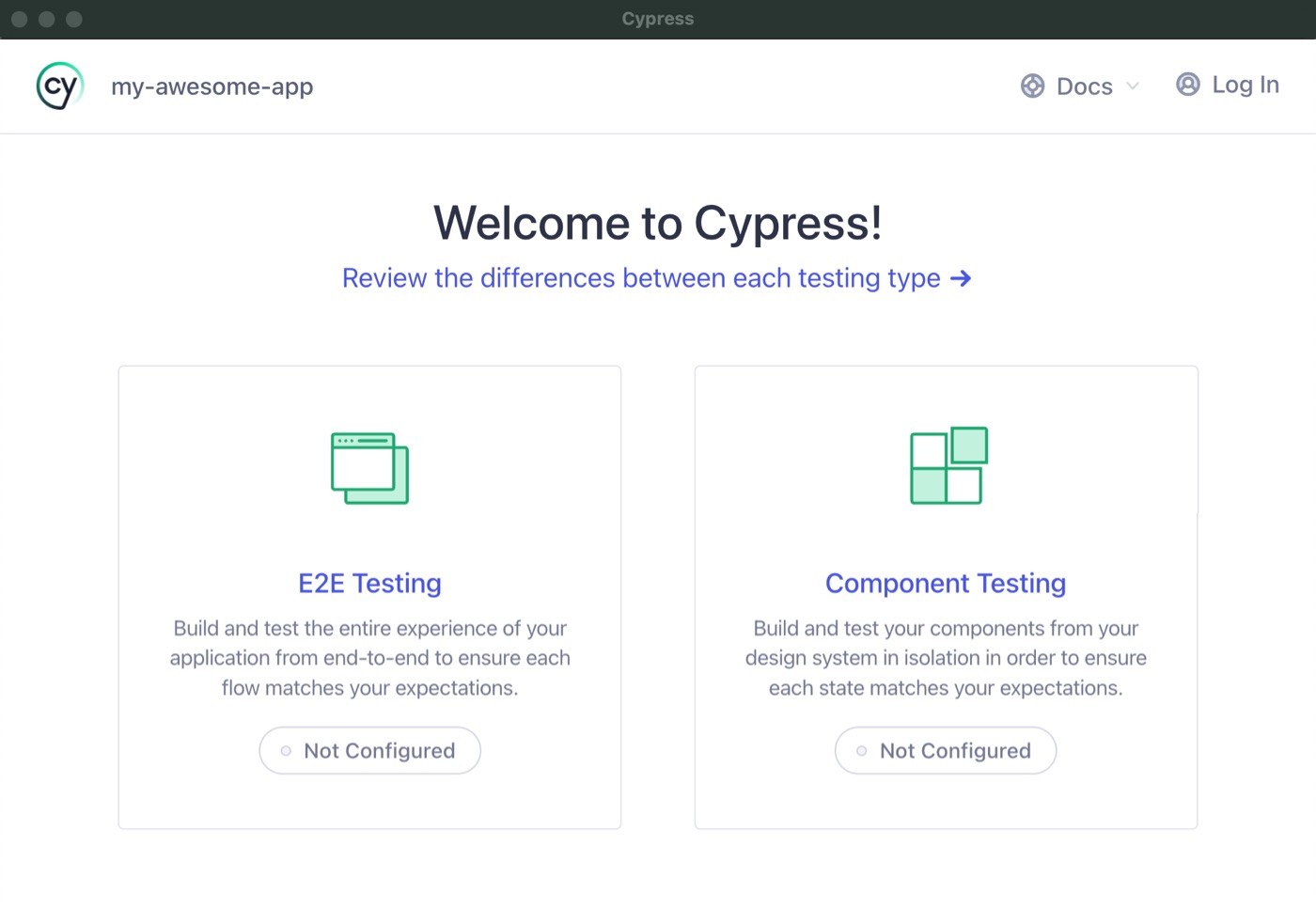
Choose Component Testing
The Cypress Launchpad will guide you through configuring your project.
For a step-by-step guide on how to create a component test, refer to the Getting Started guide.
For usage and examples, visit the Vue Examples guide.
Framework Configuration
Cypress Component Testing works out of the box with Vite, and a custom Webpack config. Cypress will automatically detect one of these frameworks during setup and configure them properly.
For a full explanation of how the dev server and bundler work — including automatic config detection and override options — see Component Testing Configuration — Dev Server and Bundler.
The examples below are for quick reference.
Vue with Vite
Cypress Component Testing works with Vue apps that use Vite 8.x as the bundler.
Vite Configuration
- cypress.config.js
- cypress.config.ts
const { defineConfig } = require('cypress')

module.exports = defineConfig({
  component: {
    devServer: {
      framework: 'vue',
      bundler: 'vite',
    },
  },
})
import { defineConfig } from 'cypress'

export default defineConfig({
  component: {
    devServer: {
      framework: 'vue',
      bundler: 'vite',
    },
  },
})
Vue Vite Sample Apps
Vue with Webpack
Cypress Component Testing works with Vue apps that use Webpack 5+ as the bundler.
Webpack Configuration
- cypress.config.js
- cypress.config.ts
const { defineConfig } = require('cypress')
const webpackConfig = require('./webpack.config')

module.exports = defineConfig({
  component: {
    devServer: {
      framework: 'vue',
      bundler: 'webpack',
      // optionally pass in webpack config
      webpackConfig,
      webpackConfig: async () => {
        // ... do things ...
        const modifiedConfig = await injectCustomConfig(baseConfig)
        return modifiedConfig
      },
    },
  },
})
import { defineConfig } from 'cypress'
import webpackConfig from './webpack.config'

export default defineConfig({
  component: {
    devServer: {
      framework: 'vue',
      bundler: 'webpack',
      // optionally pass in webpack config
      webpackConfig,
      webpackConfig: async () => {
        // ... do things ...
        const modifiedConfig = await injectCustomConfig(baseConfig)
        return modifiedConfig
      },
    },
  },
})
If you don't provide one, Cypress will try to infer your webpack config. If
Cypress cannot or you want to make modifications to your config, you can pass it
in manually via the webpackConfig option.
Vue Webpack Sample Apps
Using Cypress with Nuxt
Cypress does not ship a dedicated Nuxt framework definition,
and it does not read nuxt.config. Instead, you component test a Nuxt 3+ app the
same way you test any Vue 3 + Vite project, by setting the vue framework and the
vite bundler:
- cypress.config.js
- cypress.config.ts
const { defineConfig } = require('cypress')

module.exports = defineConfig({
  component: {
    devServer: {
      framework: 'vue',
      bundler: 'vite',
    },
  },
})
import { defineConfig } from 'cypress'

export default defineConfig({
  component: {
    devServer: {
      framework: 'vue',
      bundler: 'vite',
    },
  },
})
Because Cypress does not execute nuxt.config, the bundler behavior Nuxt
normally provides is not applied for you. Account for the following in the config
you pass to Cypress:
- Path aliases — Nuxt's
~and@aliases are not visible to Cypress. Declare the ones your components use viaviteConfig. See Meta-frameworks that own the bundler config. - Auto-imports — Nuxt auto-imports components and composables (such as
ref,useRoute, anduseRuntimeConfig). These are not available when a component is mounted in isolation, so either import what your component relies on explicitly or add the equivalent Vite plugin to yourviteConfig.