Track custom commands - additionalInteractionCommands
The additionalInteractionCommands configuration tells UI Coverage that your own Cypress commands, or commands from a third-party plugin, count as interactions. Commands you list are added to the built-in set, so the elements they touch are marked as tested and contribute to your coverage score.
UI Coverage marks an interactive element as tested when a recognized interaction command targets it. Out of the box it recognizes a fixed set of built-in Cypress commands such as click, type, and check. A command it doesn't recognize doesn't count, so an element that your tests only ever exercise through a custom command like selectDate(), or a third-party command like cypress-real-events' realClick(), is reported as untested even though your suite interacts with it on every run. Listing those command names in additionalInteractionCommands closes that gap, so your coverage score reflects what your tests actually do.
Why use additionalInteractionCommands?
- Get credit for custom commands: If your team wraps interactions in custom commands, such as a
login()helper that types and clicks, list them so the elements they touch count as tested. - Support third-party interaction plugins: Plugins like
cypress-real-eventsadd commands (realClick,realType,realHover) that fire native browser events. These aren't built-in Cypress commands, so UI Coverage doesn't recognize them until you list them. - Keep your score accurate: Every command your tests rely on that UI Coverage doesn't recognize leaves real coverage unreported. Declaring them removes false gaps from your reports.
Scope
Note: additionalInteractionCommands applies to UI Coverage only and must be nested under the uiCoverage key. Unlike properties such as significantAttributes, it has no root-level or Cypress Accessibility equivalent, so it never affects Accessibility reports.
Setting additionalInteractionCommands
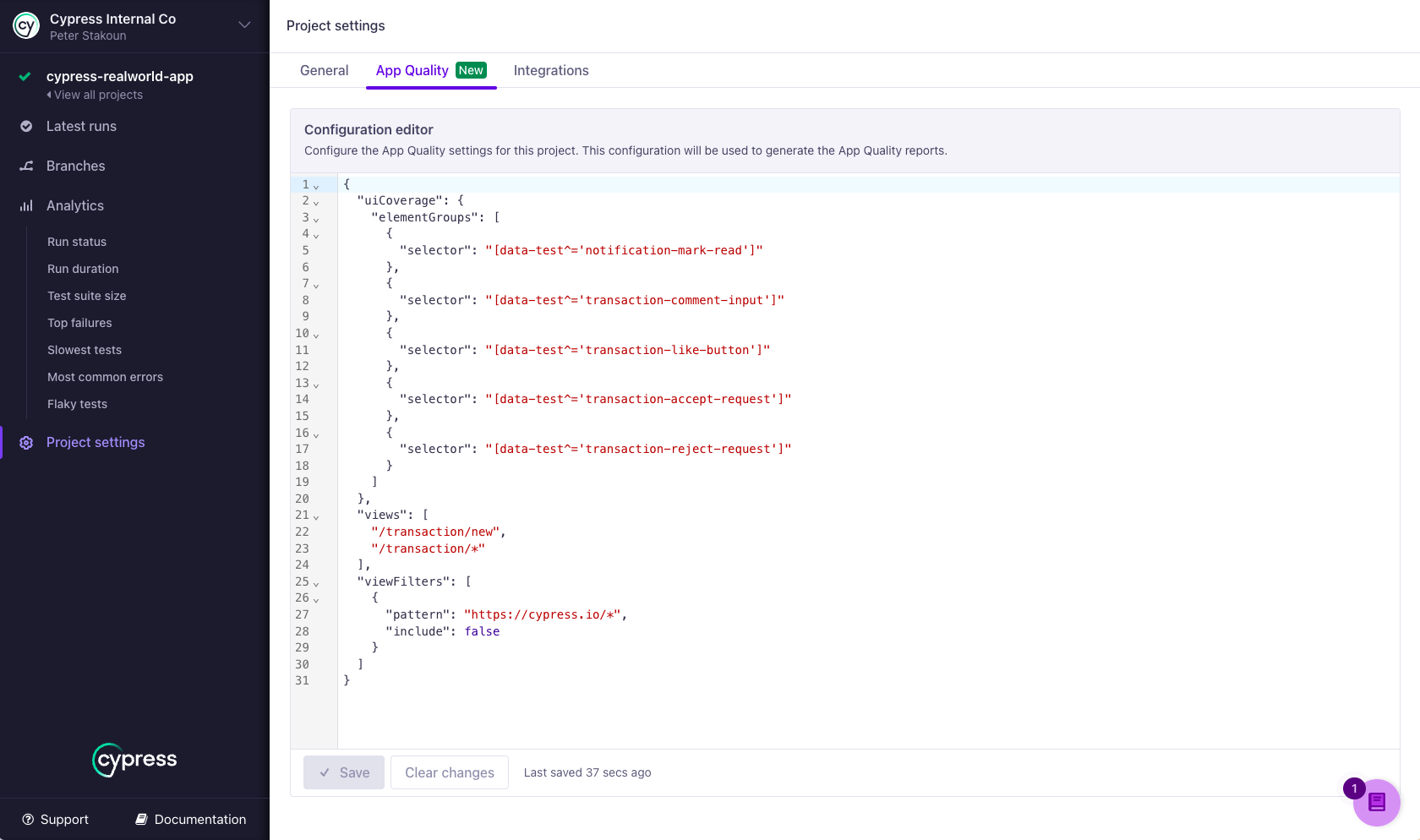
To add or edit additionalInteractionCommands, open the App Quality tab in your project settings in Cypress Cloud. See Setting configuration for details, including how to regenerate past reports with a new configuration without rerunning your tests.
Syntax
{
  "uiCoverage": {
    "additionalInteractionCommands": [string]
  }
}
Each entry is the name of a Cypress command, such as "realClick" or "selectDate", written exactly as it appears in your test code. Entries are command names only: not CSS selectors and not the cy. prefix. The property is optional and defaults to an empty list, so the built-in interaction commands always apply on their own.
Validation rules
Cypress Cloud rejects a configuration when the same command name appears twice in the list, or when an entry isn't a plain string.
How additional interaction commands are applied
A command you list here counts as an interaction only when it logs a snapshot that highlights the element it acts on. UI Coverage reads that snapshot to know which element the interaction belongs to, so a command with no subject-referencing snapshot is ignored even when its name is listed. Built-in commands log this snapshot automatically; a custom command must do it explicitly (see Requirements for a custom command).
Keep these behaviors in mind:
- Your list is added to the defaults, not a replacement for them. The built-in commands keep counting; you're extending the set, not overriding it. To limit which commands count for specific elements, use
allowedInteractionCommands. - Listing a built-in command has no effect. The built-in interaction commands already count on their own.
additionalInteractionCommandsis only for names UI Coverage doesn't already recognize. - Overwriting a built-in command keeps its name. UI Coverage matches on the name a command logs under, so a built-in interaction command customized with
Cypress.Commands.overwritestays recognized automatically under its original name, without being listed here, as long as your version still logs a snapshot referencing the subject. Only a brand-new command name added withCypress.Commands.addneeds to be listed. - Custom command names are matched case-sensitively.
"realClick"matchesrealClickbut notrealclick. Copy the name exactly as you registered it withCypress.Commands.add.
Requirements for a custom command
Listing a command name isn't enough on its own. For UI Coverage to credit the interaction to an element, the custom command must give it an element to credit, by logging a snapshot that references the subject element. In practice that means the command should:
- Receive the element as its subject, by registering with
prevSubject. - Log the interaction against that element with
Cypress.log, passing the subject as$el. - Capture at least one snapshot on that log entry.
- JavaScript
- TypeScript
// A custom command that UI Coverage can track
Cypress.Commands.add(
  'selectDate',
  { prevSubject: ['element'] },
  (subject, date) => {
    const log = Cypress.log({ $el: subject, message: date, autoEnd: false })

    log.snapshot('before')
    // ...interact with the element to pick the date...

    return cy.wrap(subject, { log: false }).then(() => {
      log.snapshot('after').end()
    })
  }
)
// A custom command that UI Coverage can track
Cypress.Commands.add(
  'selectDate',
  { prevSubject: ['element'] },
  (subject: JQuery<HTMLElement>, date: string) => {
    const log = Cypress.log({ $el: subject, message: date, autoEnd: false })

    log.snapshot('before')
    // ...interact with the element to pick the date...

    return cy.wrap(subject, { log: false }).then(() => {
      log.snapshot('after').end()
    })
  }
)
Beyond letting UI Coverage credit the interaction, logging a snapshot that references the subject is what renders element highlights for the command in Cypress open mode and Test Replay. See Custom Commands for the full API.
Relationship to allowedInteractionCommands
Any command name you list in allowedInteractionCommands is automatically recognized as an interaction command as well. You don't need to declare the same custom command in both places: use additionalInteractionCommands to count a command everywhere it's used, and allowedInteractionCommands when a command should count only for elements matching a specific selector.
Examples
Track cypress-real-events commands
cypress-real-events fires native browser events through commands like realClick, realType, and realHover. Because these aren't built-in Cypress commands, UI Coverage doesn't count them until you list them.
Config
{
  "uiCoverage": {
    "additionalInteractionCommands": ["realClick", "realType", "realHover"]
  }
}
Usage in tests
// Now these commands mark their target elements as tested
cy.get('[data-cy="button"]').realClick()
cy.get('[data-cy="input"]').realType('Hello World')
cy.get('[data-cy="tooltip-trigger"]').realHover()
Any plugin that adds commands acting on an element works the same way. cypress-real-events also provides realPress, realSwipe, and realMouseDown; other common examples are drag and move from @4tw/cypress-drag-drop and tab from cypress-plugin-tab. Whichever plugin you use, the command counts only if it meets the requirement above: it must log a snapshot that references the element it acts on.
Track your own custom commands
List the custom commands your team defines with Cypress.Commands.add. Make sure each one meets the requirements for a custom command so UI Coverage can credit the interaction to an element.
Config
{
  "uiCoverage": {
    "additionalInteractionCommands": ["selectDate", "dragAndDrop"]
  }
}
Usage in tests
// Custom commands that log a snapshot referencing their subject element
cy.get('[data-testid="due-date"]').selectDate('2026-01-01')
cy.get('[data-testid="card"]').dragAndDrop('[data-testid="done-column"]')
See also
- Interactivity: how UI Coverage detects interactive elements and which commands count as interactions.
allowedInteractionCommands: limit which interaction commands count for specific elements.- Custom Commands: create custom commands and overwrite built-in ones.
- Configuration overview: where to set configuration and regenerate reports.
- UI Coverage FAQ: common questions and troubleshooting.